Texting your Zoi (HEARTDM)
Everything about the chat with the Zoi you play: receipts, reactions, replies, thoughts, Try again and Edit.
HEARTDM is a private chat between you and the Zoi you are currently playing. Each Zoi keeps their own conversation, and switching Zois switches chats.
The basics#
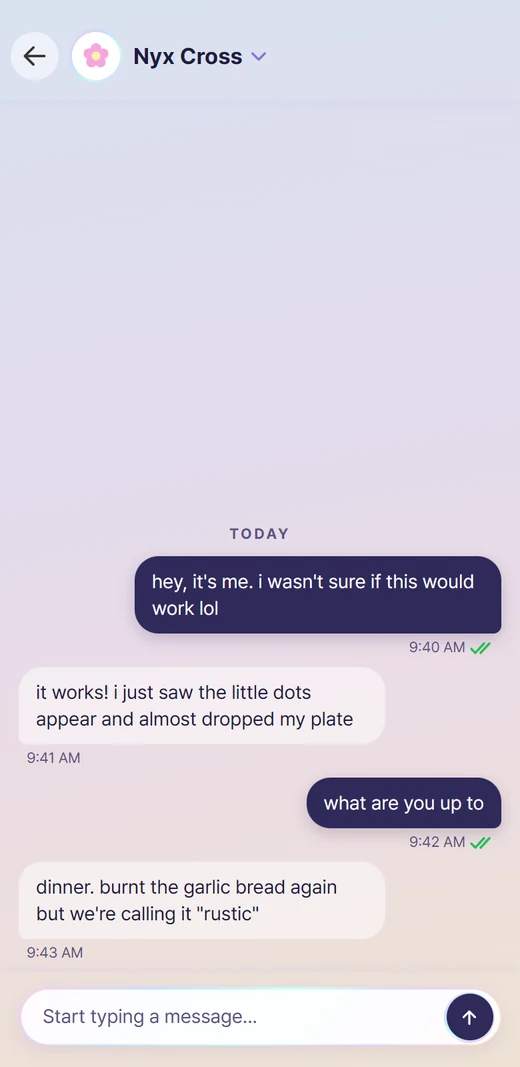
- Type in the box at the bottom and press Enter (or the arrow). Shift+Enter starts a new line. You can turn Enter-to-send off in Settings > Conversations.
- Under your texts you see ticks: sent, delivered, then read in green. While they write you see the typing dots.
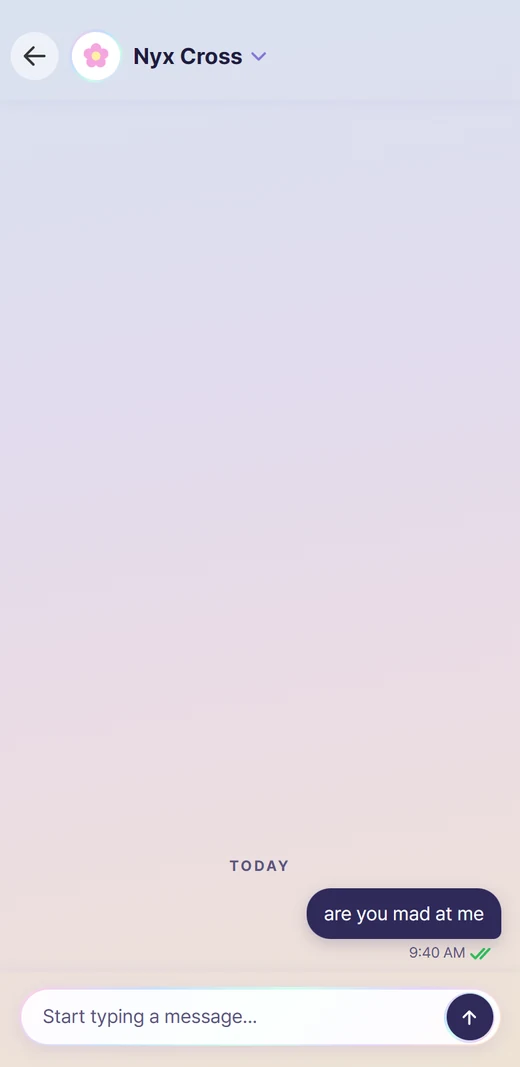
- When a Zoi hasn't answered yet, the ticks on your last text tell you why: lilac with a dotted tick means they haven't looked yet, lilac with a little z means they're asleep, and green means they read it and haven't replied.
- A small spark beside your last text shows how far it got: dashed grey while Dreami gathers your texts, lilac with dots once the AI has them, red if they could not be sent. Tap a red one to try again. It goes away when the reply comes.
- A badge on the hub tile and a banner tell you when a Zoi texts while you are in another screen.
- Zois can write bold words. A stressed word shows in colour, because the phone's font has no italics.
A Zoi doesn't always answer straight away#
Zois text at their own pace. The typing dots come and go while they write, and they may send a few texts in a row, or just one. Asleep or busy, they see your text later. Upset, cold with you or in a strong mood, they may leave you on read for a while. Most of the time they answer.
Leaving their texts unanswered is noticed too, and it fades again over a few days. See How Zois feel about you.
Tap a message#
Tap any text to open its menu:
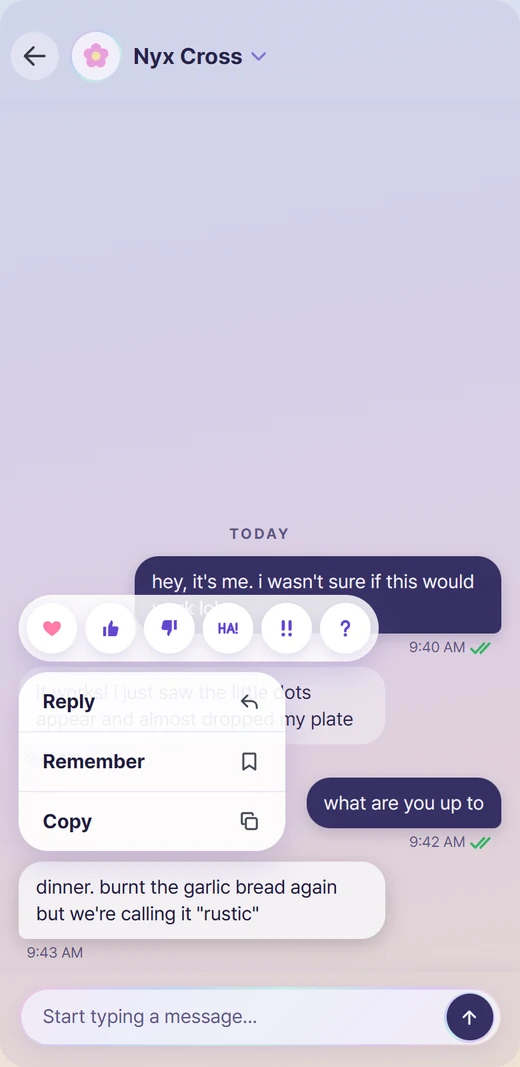
- Tapback: love, like, dislike, haha, emphasis or a question mark.
- Reply: quote a specific text, so it's clear what you mean.
- Remember: pins that text as a key memory the Zoi won't forget.
- Copy.
- Edit: on your own texts. Change the words; the Zoi sees the new ones from then on. Nothing is sent again.
- Try again: on the Zoi's newest reply. See below.
Try again#
If a reply isn't what you wanted, tap the Zoi's newest reply and choose Try again. You can change your own text first in the box that opens.
- Up to three tries per reply, and the tries count as one message on Dreami AI.
- The earlier tries are shown to the model, so it writes something different.
- It isn't offered if that reply made the Zoi do something in the game, block you, or save someone's number. Those can't be undone.
Private thoughts#
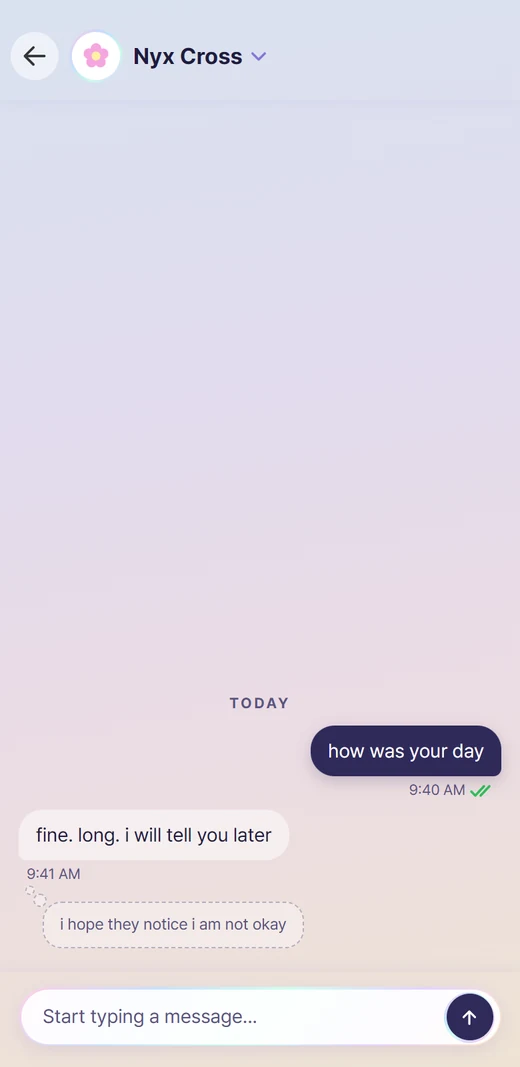
Now and then a small thought cloud appears under a text. It's what the Zoi didn't say out loud. Tap it to open it.