1Download the Dreami zip from the Download page and unzip it. You get a folder called DayDream_763BB5E0.
2Put that folder in Documents\inZOI\Mods\InGame. If there is no InGame folder yet, create it. The folder named DayDream_763BB5E0 must sit directly in InGame, not inside another folder, and Dreami should only be installed once.
3To update later, copy the new folder over the old one and choose to replace the files. Don't delete the old folder first, because Dreami keeps its saved settings there.
2Open your Zoi's phone. Dreami is an app on the home screen, after your last app. A blue dot on it means you have unread texts.
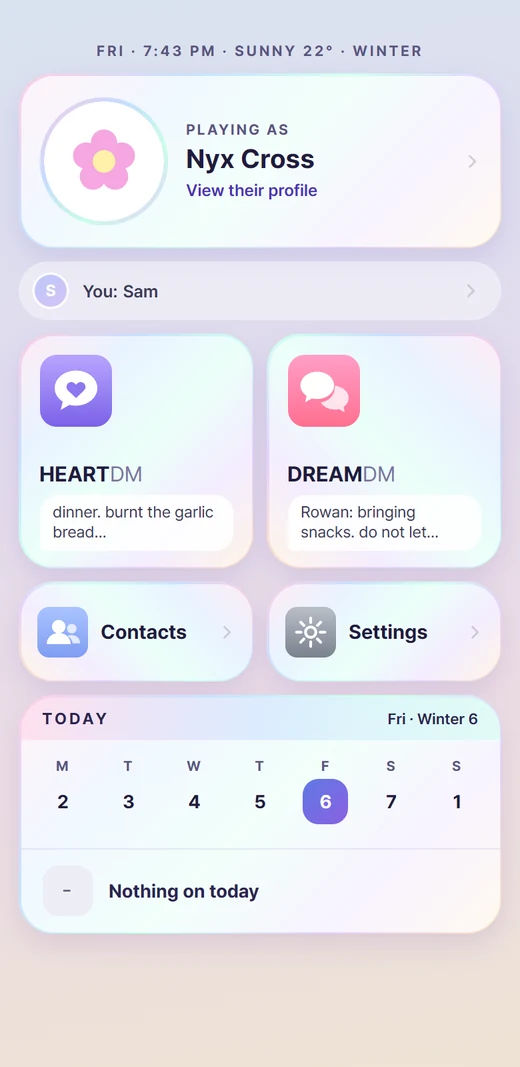
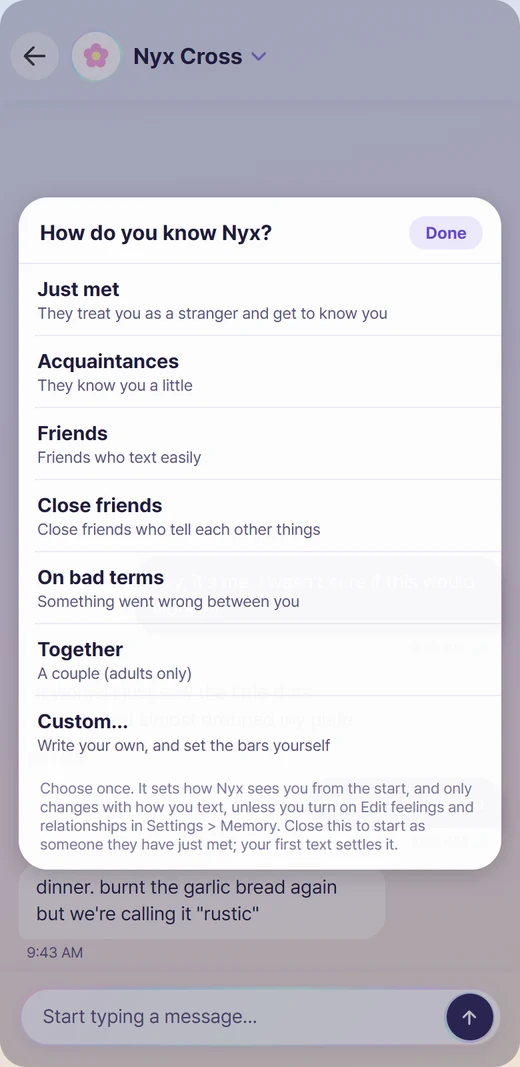
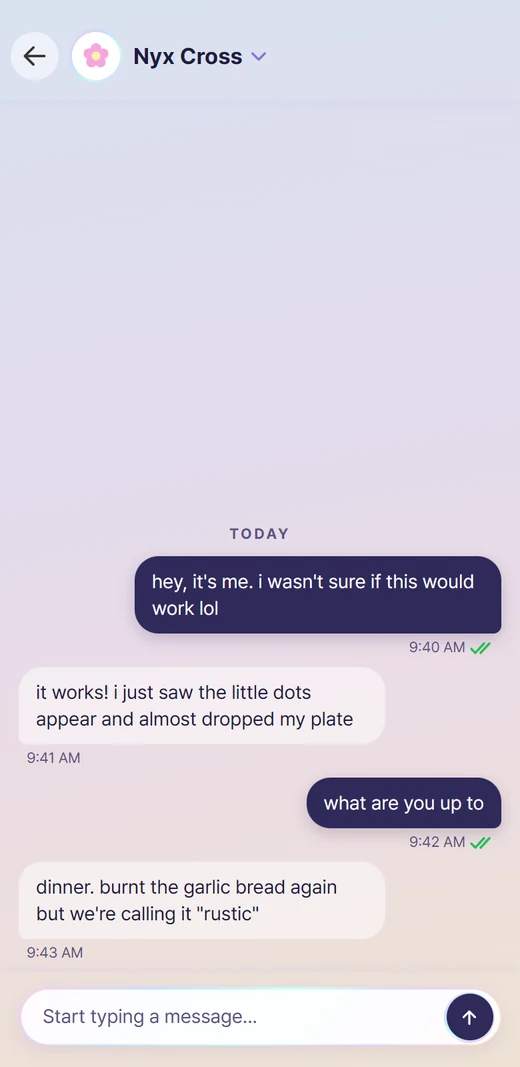
3Tap it. You land on the hub: your Zoi's card on top (tap it for their profile), your own profile under it, then HEARTDM (text your Zoi), DREAMDM (text other Zois as your Zoi), Contacts, Settings and Today, your Zoi's week and plans.
4The first time, a guided tour walks you through the screens. You can replay it any time from Settings > Replay tutorial.
The hub. Your Zoi's card and your profile on top, then HEARTDM, DREAMDM, Contacts, Settings and the Today card.
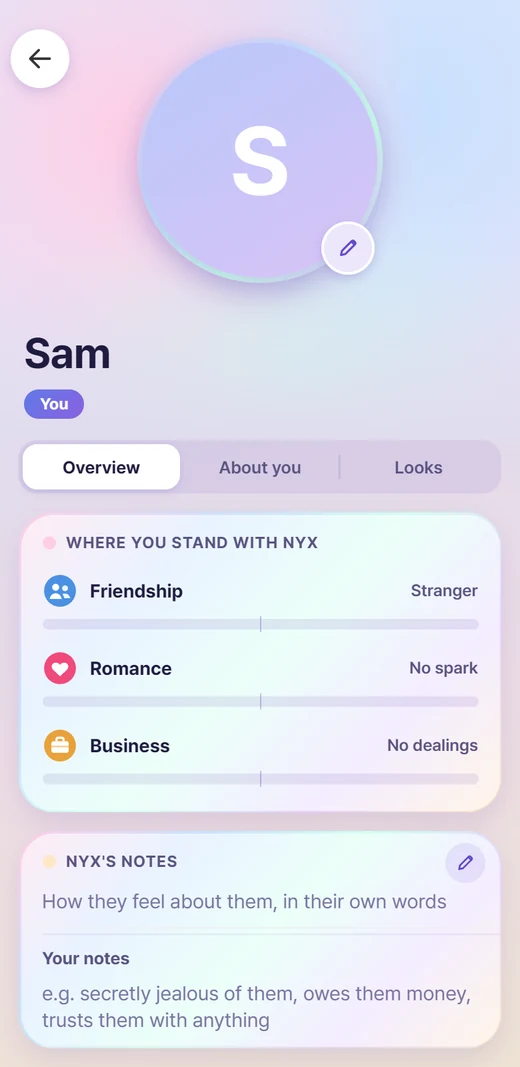
Open You on the hub and set your Name. It is needed before you can talk to a Zoi. Everything else under About you, including your age, is optional. If you forget, a popup tells you and the You card lights up.
Your profile. Your name is the only thing you must fill in.
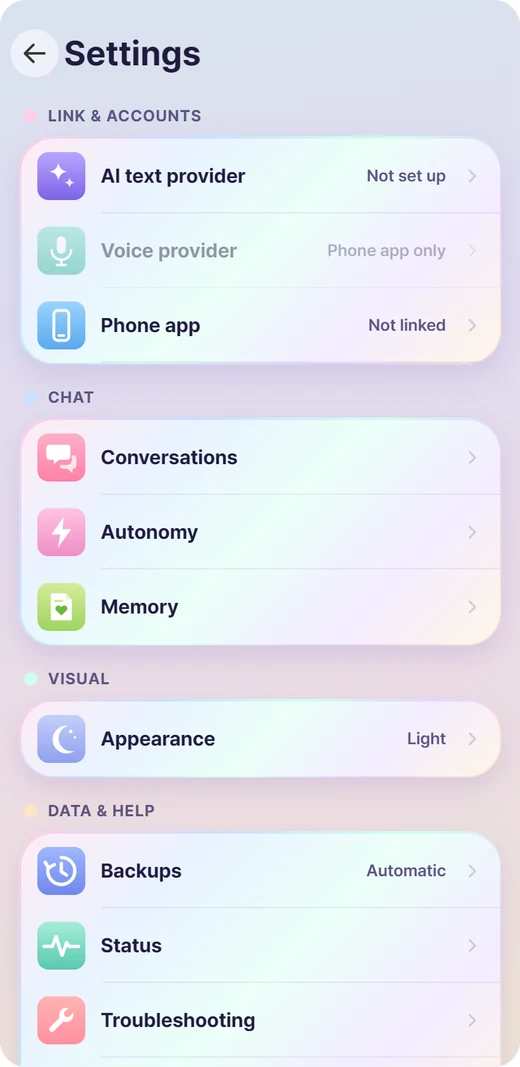
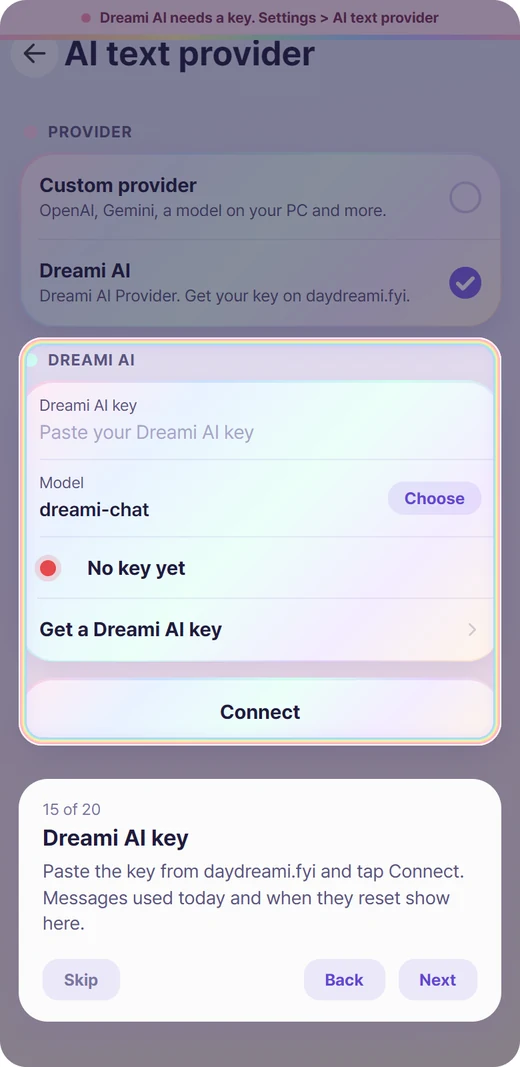
Open Settings > AI text provider. There are two choices:
Custom provider: your own OpenAI, Anthropic, Google Gemini, OpenRouter, a local Ollama and more, with your own key. No Patreon needed.
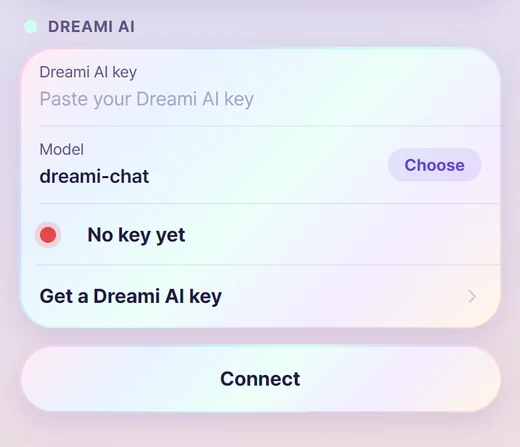
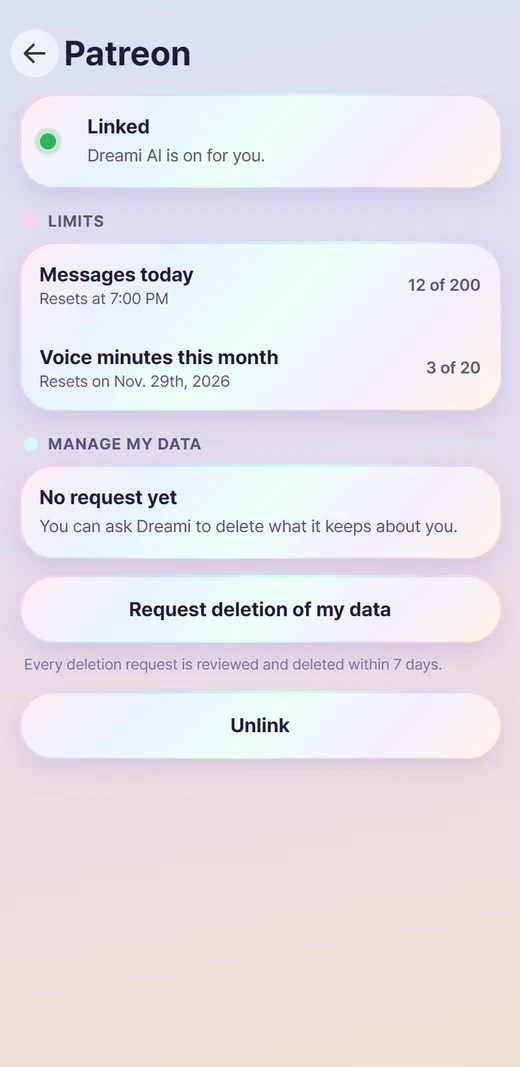
Dreami AI: ready-made AI, nothing to install. How you switch it on depends on where you downloaded Dreami: see the two lists below. The full step-by-step is on Choosing your AI.
TipYou only need one of the two. Patreon is only for Dreami AI; with your own provider you can skip it.